Connect a domain at STRATO
You have your own domain at STRATO and want to connect it to your shop? In this article, we have put together a step-by-step guide for you.
On this page
- Top-Level Domain (e.g., shop.de)
- Step 1: Create the www Subdomain
- Step 2: Create a CNAME Record for www
- Step 3: Change the Domain’s A Record
- Step 4: Check the AAAA Record
- Step 5: Connect Your Shop
- Subdomain (e.g., shop.website.de)
- Step 1: Create the Subdomain
- Step 2: Create a CNAME Record
- Step 3: Connect Your Shop
- Sources
The setup steps vary depending on your domain type. First, select the domain type you are using. For an overview of all records, see Set up a custom domain for your shop.
The STRATO customer login is in German. The menu items and buttons are therefore named here the way STRATO shows them, with a short translation in brackets.
Top-Level Domain (e.g., shop.de)
If you want to connect your own top-level domain, follow these steps.
Step 1: Create the www Subdomain
At STRATO, a CNAME record can only be set for a subdomain, not for the domain itself. For your shop you therefore need the subdomain www. If it does not exist in your STRATO customer login yet, create it first. STRATO describes how in its guide Subdomains anlegen und wieder löschen (creating and deleting subdomains).
Step 2: Create a CNAME Record for www
- In the STRATO customer login, open Domains > Domainverwaltung (domain management).
- Below your domain, click Subdomains anzeigen (show subdomains) and select the subdomain www.
- Expand DNS-Verwaltung (DNS management) and click verwalten (manage) next to CNAME-Record.
- Enter sites.tentary.com as the target address, tick the box next to the notice and save.
This connects www.shop.de to your shop.
Step 3: Change the Domain’s A Record
So that your domain without www also leads to your shop, you change the A record of the domain.
- In Domainverwaltung, click the gear icon to the right of your domain and open the DNS tab.
- Click verwalten (manage) next to A-Record.
- Select Eigene IP-Adresse (own IP address), enter 34.179.222.196 and click Einstellungen übernehmen (apply settings).
Step 4: Check the AAAA Record
In the same DNS tab, also look at the AAAA-Record. No IPv6 address may be set for your domain without www any more, otherwise it does not lead to your shop.
STRATO’s official guides only describe how to enter your own IPv6 address, not how to remove one. If you see an IPv6 address there and no way to remove it, STRATO support can help you.
Step 5: Connect Your Shop
After completing the previous steps at STRATO, connect your Tentary shop to your domain. Open your shop’s domain settings, select Custom domain, and enter your full domain, including www, in the URL field.
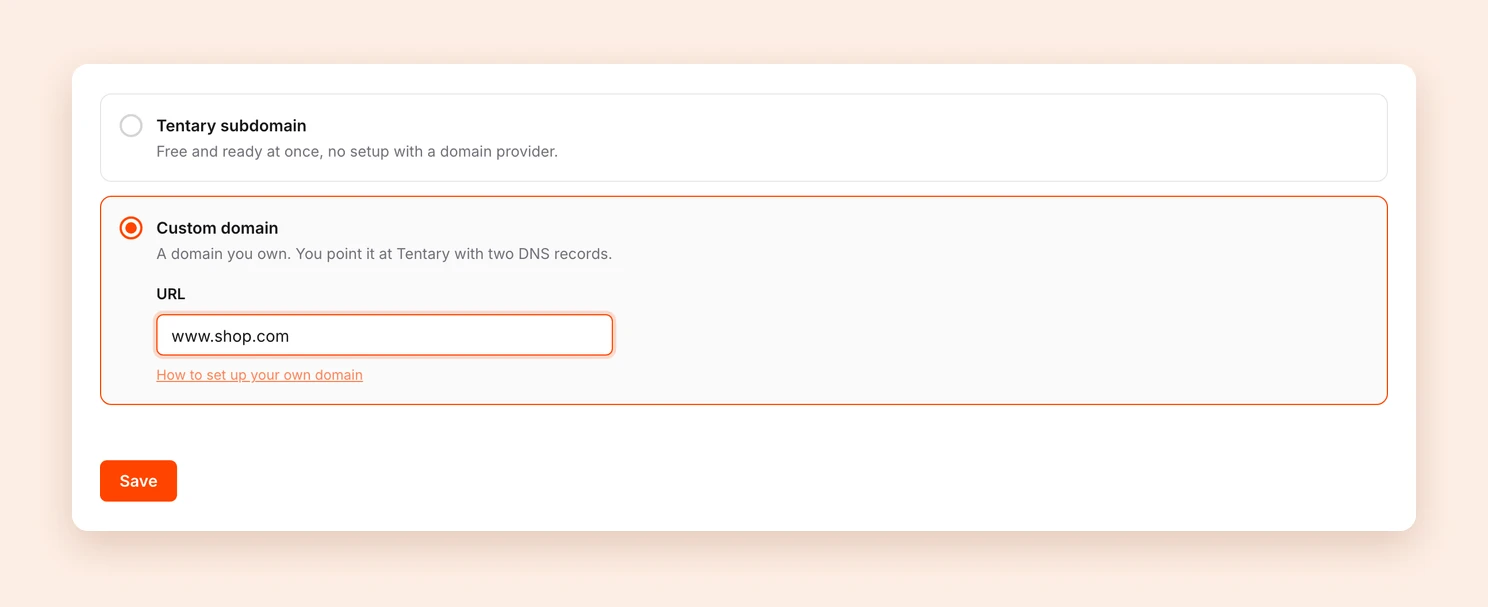
After clicking Save, the status of your domain is shown at the top of the page. According to STRATO, it can take up to 24 hours until DNS changes are fully active.
Finally, open your domain without www, for example shop.de. You should land on https://www.shop.de automatically, with the lock icon in the address bar.
Subdomain (e.g., shop.website.de)
If you want to connect your own subdomain, follow these steps. For a subdomain you only need a CNAME record, no A record.
Step 1: Create the Subdomain
Create the subdomain you want in your STRATO customer login, for example shop. STRATO describes how in its guide Subdomains anlegen und wieder löschen (creating and deleting subdomains).
Step 2: Create a CNAME Record
- In the STRATO customer login, open Domains > Domainverwaltung (domain management).
- Below your domain, click Subdomains anzeigen (show subdomains) and select your subdomain.
- Expand DNS-Verwaltung (DNS management) and click verwalten (manage) next to CNAME-Record.
- Enter sites.tentary.com as the target address, tick the box next to the notice and save.
Step 3: Connect Your Shop
After completing the previous steps at STRATO, connect your Tentary shop to your subdomain. Open your shop’s domain settings, select Custom domain, and enter your subdomain, without www, in the URL field.
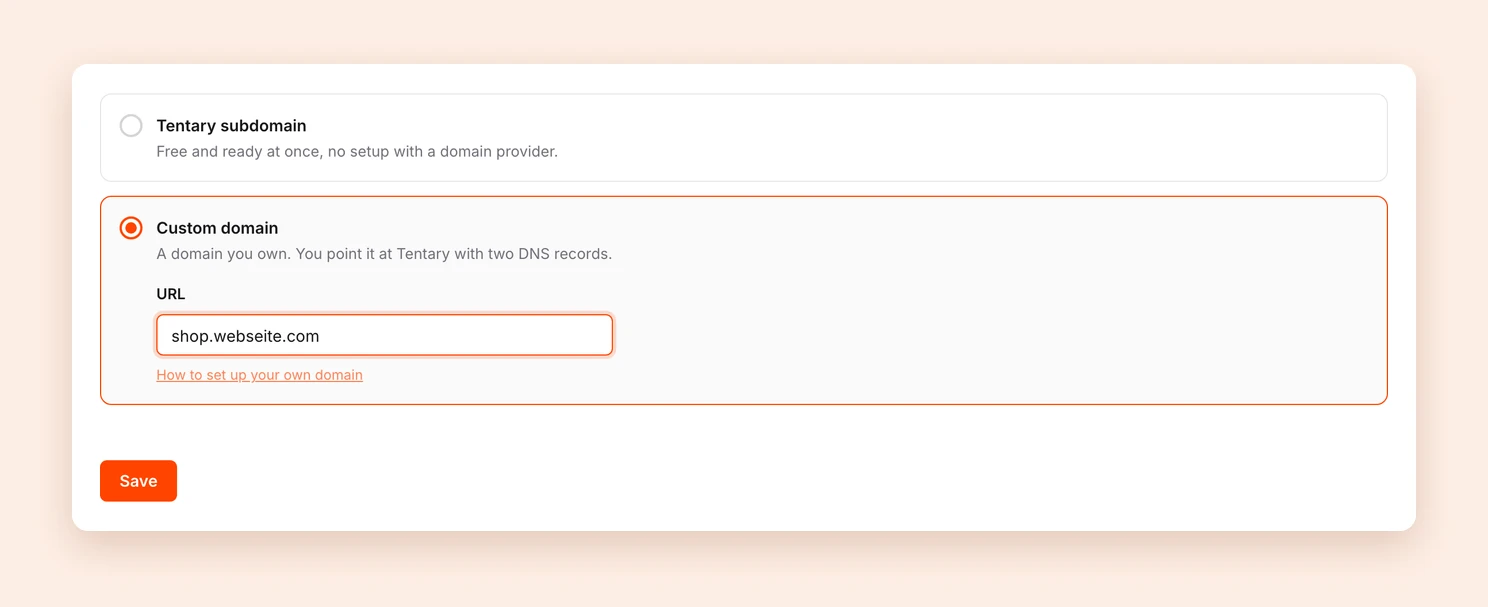
After clicking Save, the status of your subdomain is shown at the top of the page. According to STRATO, it can take up to 24 hours until DNS changes are fully active.
Sources
This guide is based on STRATO’s official guides: Welche DNS-Einträge gibt es bei STRATO und wie kann ich diese verwalten? (DNS records at STRATO) and Subdomains anlegen und wieder löschen (creating and deleting subdomains). If the interface looks different for you, you will find the current state there.
Last updated October 2, 2026