Set Up an Email Address for Customer Inquiries
Want to show your customers a different email address than the one of your Tentary account? Here is how to set an address for customer queries and where it is used.
Setting the email address
- Open your Settings and click Billing address in the Account area.
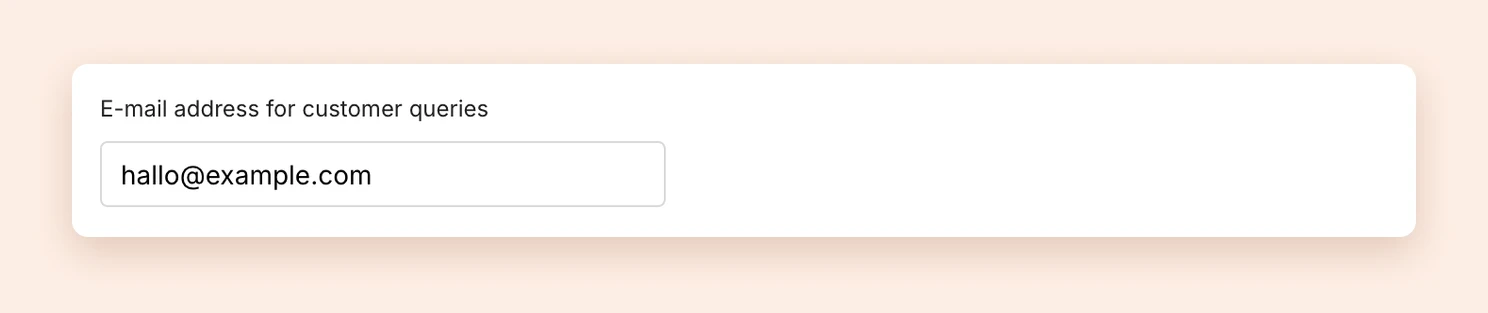
- Below your address, enter the address you want in the E-mail address for customer queries field.
- Click Save changes.
Where your customers see this address
Your customers never see the email address of your Tentary account. Instead, Tentary uses the address for customer queries everywhere:
- on your contact page or legal notice
- in your legal pages if you use our templates. See Setting up Terms of Service, Return and Refund Policy, Privacy Policy and Contact.
- as the reply address in every email to your customers, both in purchase confirmations and in your marketing emails. When your customers reply to one of these emails, the reply comes to you.
This also applies if you have set up your own sender address. The emails then go out from your domain, but replies still arrive at your address for customer queries.
Note: If you change the address, Tentary does not update your legal pages automatically. Apply the templates again or change the address there by hand.
Last updated October 13, 2026