PDF Stamp / Watermark
To add an extra layer of protection to your PDF files, you can automatically stamp (or watermark) them. A stamp makes it more difficult for buyers to share your files.
What is a PDF stamp?
A PDF stamp is a security measure that prevents illegal sharing of the PDFs that you sell. Through this process, called stamping, each page of your PDF file(s) is stamped with the buyer’s name and e-mail address.
How stamps work at Tentary
- Stamps are inserted on every page
- Stamps are inserted centered at the bottom of the page
- Stamps consist of the buyer’s name and e-mail address.
Please also note the information listed below.
Example:

Activate PDF Stamp
You can add a stamp to any of your files available for purchase. Just follow these steps:
- Create a new product
- Upload a pdf file
- In the product settings, enable the option Enable stamps/watermarks for PDFs.
- Save your product
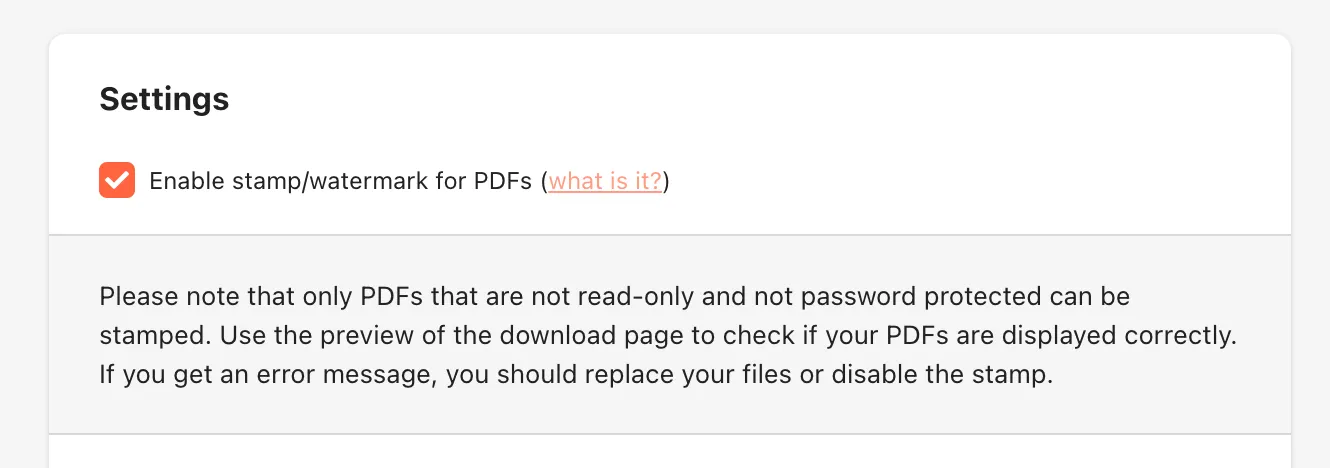
From now on, on each page of the PDF files offered with the product, the name and e-mail address of the buyer will be inserted before downloading.
Notes
A stamp can only be applied to
- PDF files
- files smaller 1000 MB
- files that are not password protected
- files that are not read-only
If multiple files are sold with one product (e.g. a few PDFs and a video), the stamp will only be applied to the PDFs.
Last updated October 9, 2025