Resend purchase confirmation & invoice
Did a customer delete the purchase confirmation or never receive it? You send it again with one click, including the access link and, if there is one, the invoice.
Resend the purchase confirmation
- Open the order under Sales.
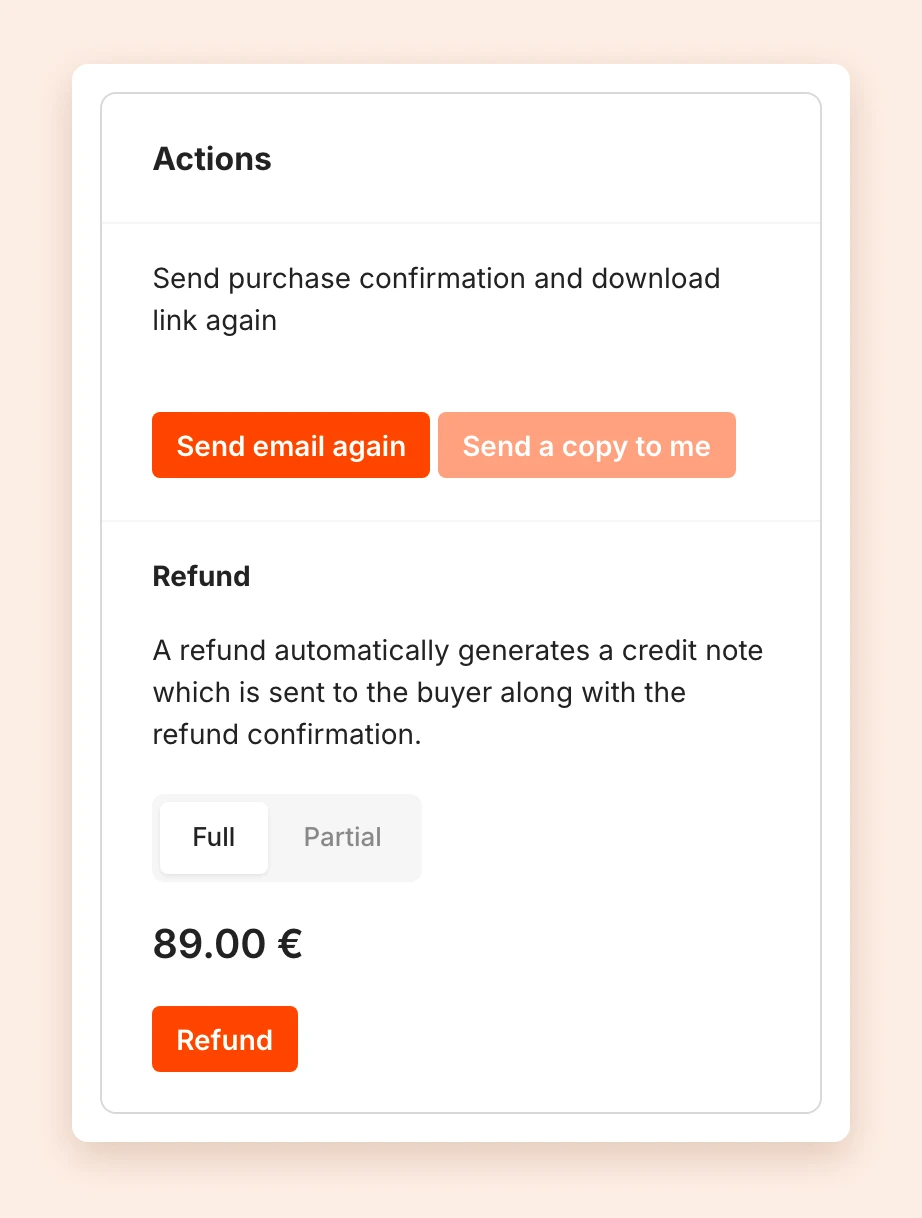
- Under Actions, click Send email again.
Just like at the purchase, the email contains the access link to the product and, if there is one, the invoice. The Activities of the order then show which address it went to.
If the email does not arrive, check the address first. If it is wrong, correct it and then send the email again. The Activities also show whether an email could not be delivered.
Send a copy to yourself
Send a copy to me sends the same email to your own address. That way you see exactly what your customer received, and you can pass on the access link yourself, for example.
For subscriptions
For a subscription, the buttons are not under Actions. Instead, click Resend confirmation next to the payment in the list of Payments. See Manage subscriptions and installments.
Note: To keep emails from being marked as spam, the number of resends is limited. If you see You have resent too many emails, try again later.
Last updated October 14, 2026