Create a lead magnet (freebie)
With a lead magnet you offer something for free and gain new contacts for your newsletter in return. They only get access once they have confirmed their subscription.
On this page
What is a lead magnet?
A lead magnet, also called a freebie, is a free offer with real value, for example an e-book, a checklist or a webinar. In return you get the email address and permission to send the person your marketing emails.
Create a lead magnet
- Create the product like any other, for example as a digital download, and upload the file.
- In the product settings, turn on Subscribe buyers to my marketing emails.
- Below it, turn on This is a Lead Magnet. The price is then set to 0 automatically.
- Save the product.
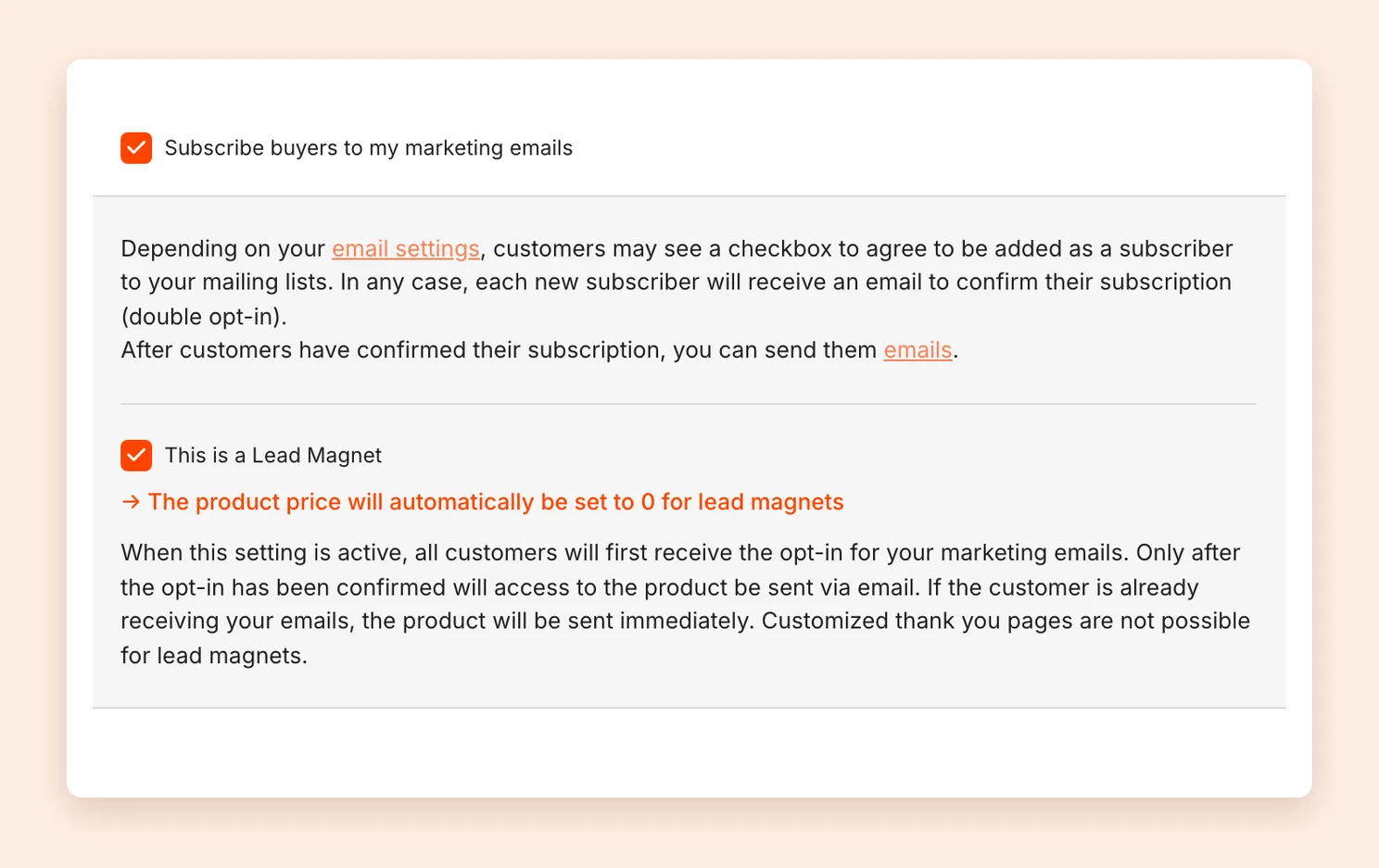
Note: A custom thank you page, for example with upsells, is not possible for lead magnets.
How the lead magnet reaches your customers
- The person signs up on the checkout page with their email address.
- They receive an email to confirm their subscription to your marketing emails (double opt-in).
- Only after confirming does Tentary send the access to the lead magnet.
If the person is already subscribed to your emails, they get access right away. Whether someone has confirmed is shown under Customers in the Opt-in column.
Important: If someone does not confirm within 7 days, the lead magnet is no longer sent.
Afterwards you can reach your new contacts with email campaigns or automations. You can also embed the lead magnet on your own website.
If you use another email provider
If you send your emails through another provider, Tentary cannot see whether someone has confirmed their subscription. In that case, Tentary cannot send the lead magnet after confirmation.
Last updated October 15, 2026