Limited-time offers with a countdown
With a limited-time offer, you sell a product at a special price for a fixed time. A countdown shows your customers how long the offer is still valid.
On this page
With a limited-time offer, a product has a special price for a fixed period. Afterwards the normal price applies again automatically. If you like, a countdown shows your customers how long the offer is still running.
Create an offer
- Open the product under Products.
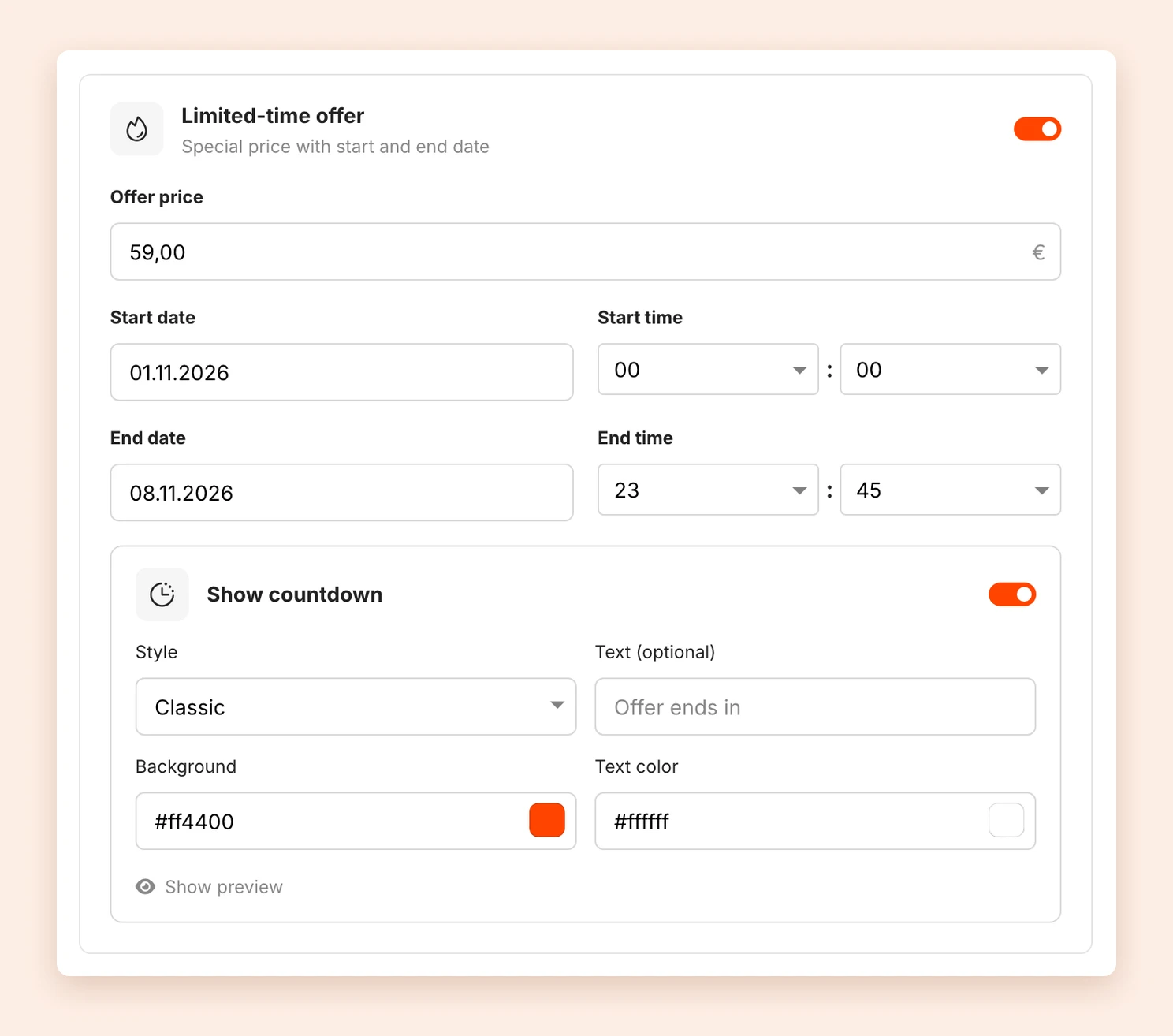
- In the Price area, turn on Limited-time offer.
- Enter the Offer price. It must be lower than the normal price.
- Choose a Start date and Start time as well as an End date and End time. You choose the time in 15-minute steps.
- Save the product.
The times apply in your account’s time zone. You set it under Availabilities at Timezone.
Show a countdown
- Below the offer, turn on Show countdown.
- Choose a Style: Classic, Slim or one of the Card variants. The sticky variants stay visible at the top while scrolling.
- If you like, enter your own text under Text (optional). The default is Offer ends in.
- Adjust the colors. Which color fields there are depends on the style, for example Background and Text color.
- Save the product.
Show preview shows the countdown right in the product editor.
What your customers see
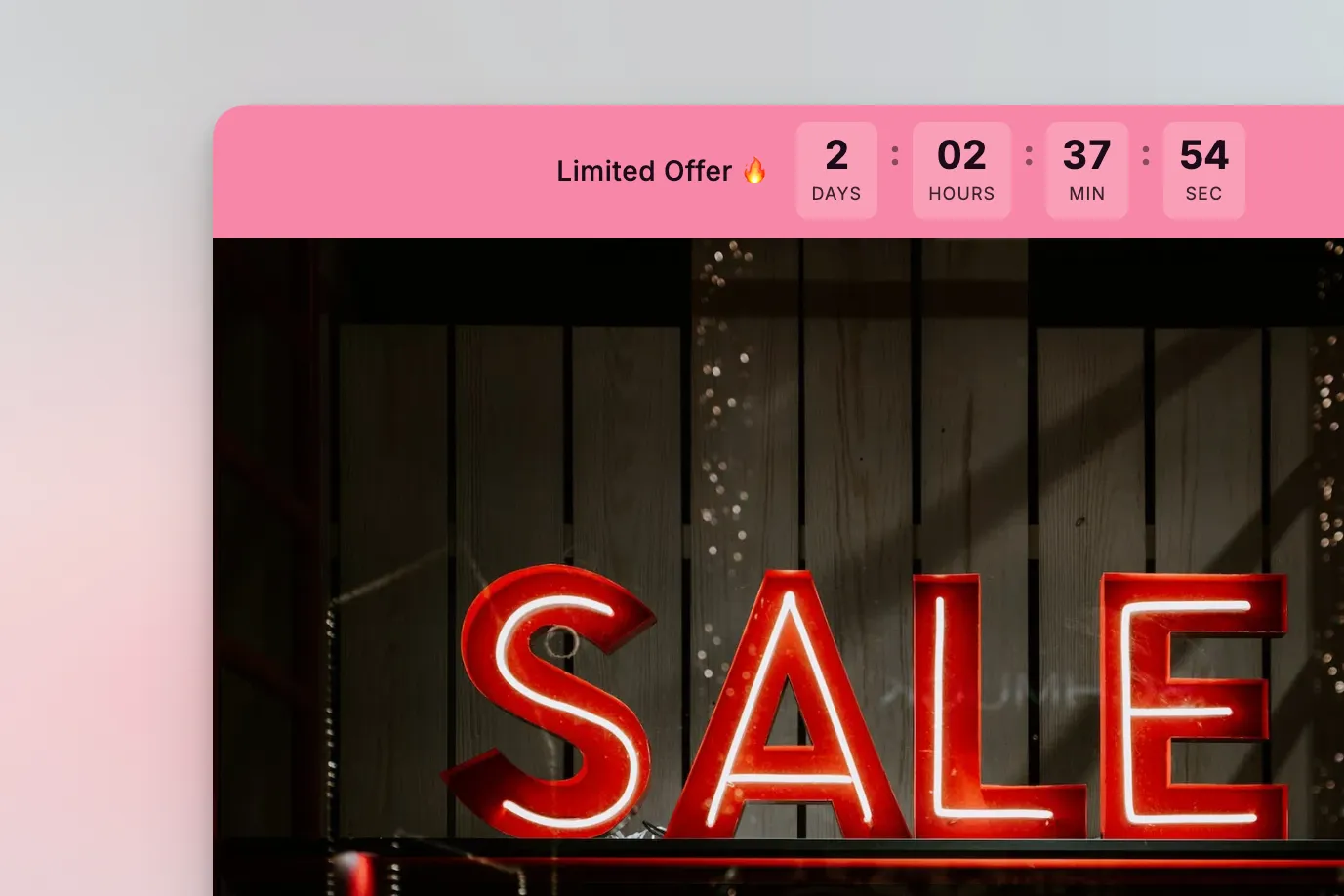
While the offer is running, your customers see the offer price on the sales and checkout page, with the normal price crossed out next to it. If the countdown is on, it counts down the remaining days, hours, minutes and seconds.
If the offer ends while someone has the page open, the countdown reloads the page and shows the normal price. The offer price only applies to purchases completed within the period. Tentary checks this at the time of purchase.
FAQ
Which products can have an offer?
Products with a one-time payment. Subscriptions, products paid in installments and products with variants cannot have limited-time offers.
Is there a minimum price?
Yes. The offer price is at least €1 (7 DKK in Danish kroner), just like the minimum price for products.
Do I have to end the offer myself?
No. At the end date the normal price applies again automatically.
Can I change the offer afterwards?
Yes. You can change the price, the period and the countdown at any time and save the product again.
Tip: To give the discount only to certain people, for example your newsletter subscribers, use a discount code instead.
Last updated October 15, 2026