Where do I see my invoices and sales?
Looking for your invoices or an overview of your income and expenses? Here is which reports there are and where to find them.
On this page
Accounting
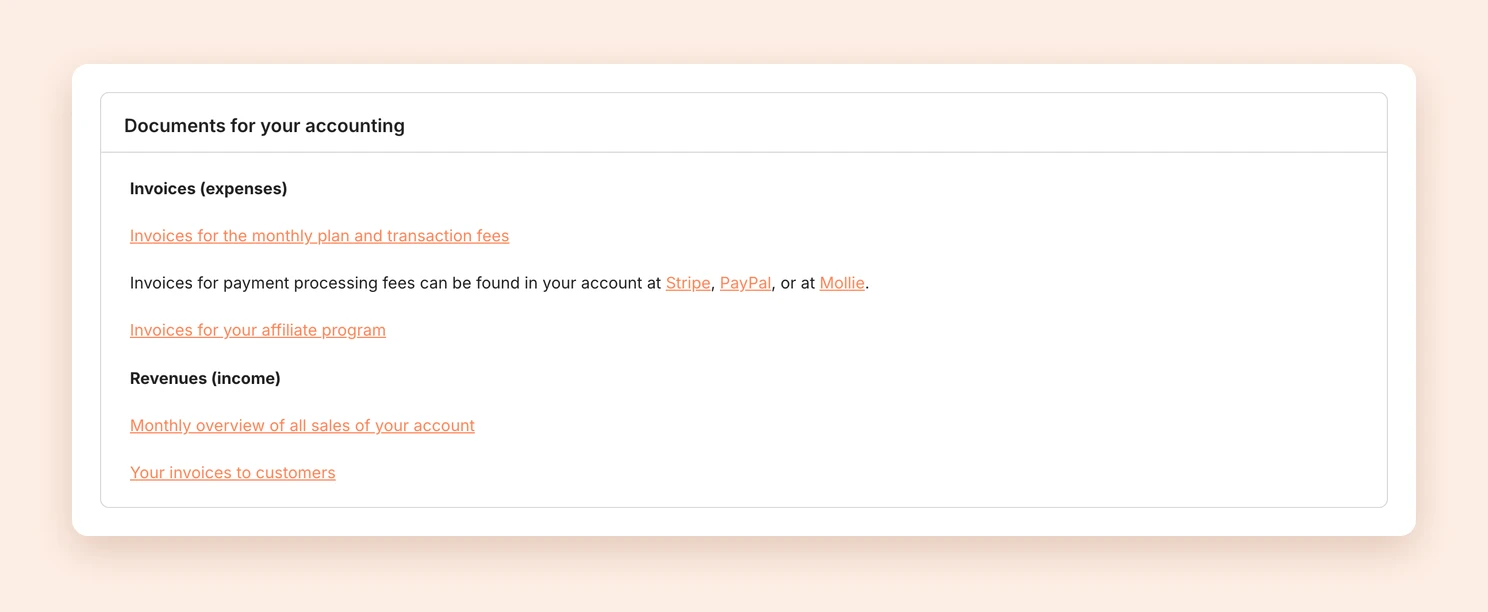
Open your Settings and click Accounting in the Payments & Finances area. Under Invoices (expenses) you find the invoices you receive from us, and under Revenues (income) your sales and the invoices to your customers.
Invoices (expenses)
Invoices for the monthly plan and transaction fees
Under Invoices for the monthly plan and transaction fees you find the invoices for your monthly plan and for the Tentary transaction fees. The invoice for the monthly plan appears once the payment has arrived, which can take a few days with direct debit. We bill the transaction fees at the end of the billing period. Breakdown transaction fees shows how the fees add up.
Note: You receive invoices for payment processing fees directly from your payment provider. Sign in to Stripe, PayPal or Mollie for them.
Invoices for your affiliate program
All invoices for commission payments in your affiliate program are under Invoices for your affiliate program.
Revenues (income)
Monthly overview of all sales
Under Monthly overview of all sales of your account you find two reports at the end of every month:
- Monthly summary as a PDF: all sales of the month, totaled by country and tax type. Refunds within the same month are already offset. If you file an OSS report, you can use this report for it.
- Individual sales as a PDF or CSV: every sale on its own. For CSV, choose CSV (comma separated) or CSV (semicolon separated), depending on what your spreadsheet program expects.
For a custom period, enter dates under Download sales for individual period in From and To and click Download CSV.
Your invoices to customers
Under Your invoices to customers you find all invoices that Tentary sent to your customers in your name. Choose a month and click View invoices. For every order you see the invoice as a PDF, the E-Rechnung where applicable, and any credit notes and corrected invoices.
Note: If you find no invoices here, your customers did not request any, or Tentary could not create one. For possible causes, see why was no invoice sent to my customers?
Last updated October 13, 2026