Why Am I Being Asked for a Code When Trying to Access a Product?
If you’re trying to access a product and being asked for a code, it means the seller has enabled access protection.
Here’s how the access protection works:
- Accessing Your Product
When you click the access button in your order confirmation email, you’ll first be redirected to a verification page – not directly to the product page. - Request the Code
On the verification page, click Send me a code. We then send a 4-digit verification code to the email address you used during the purchase. - Enter and Confirm the Code
Enter the 4-digit code you received by email into the designated fields and click Confirm Code. You will then be redirected to the product page and can access your product as usual.
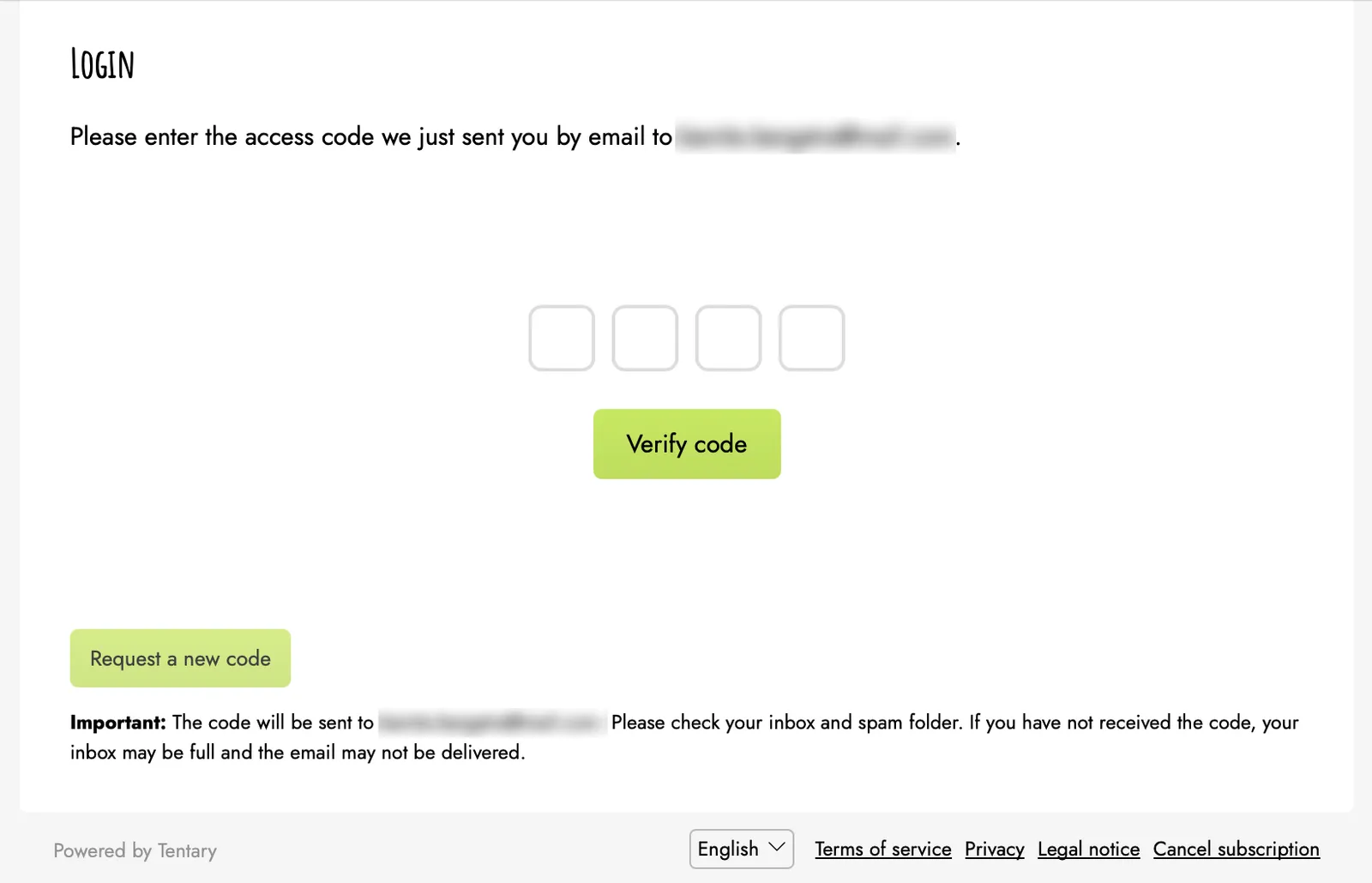
Note: If you didn’t receive the code or it has expired, you can click Request a new code to receive another one.
After successful verification, your device stays logged in for up to 30 days without requiring you to enter the code again – unless you manually log out or clear your browser data. In that case, you simply request a new code on your next access attempt.
Last updated July 21, 2025