What does the complete purchase process look like?
Are you wondering what the entire purchasing process looks like for your customers? In this article, we provide you with a detailed overview. Learn how to create a new product.
On this page
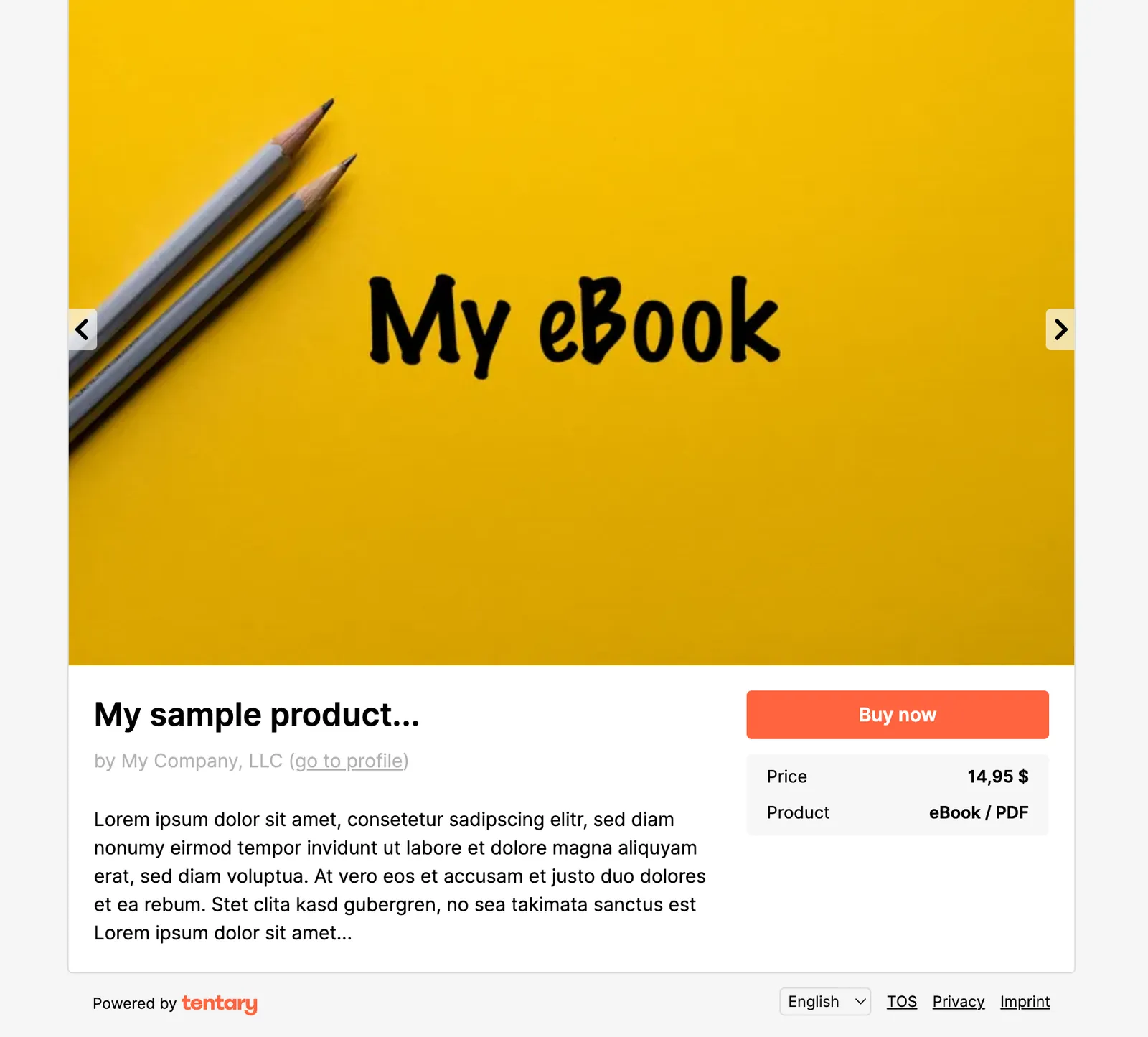
1. Sales page
Your customers visit your sales page and can view all the information about your product or offer. As soon as they click on the Checkout-button, they are redirected directly to the checkout page.
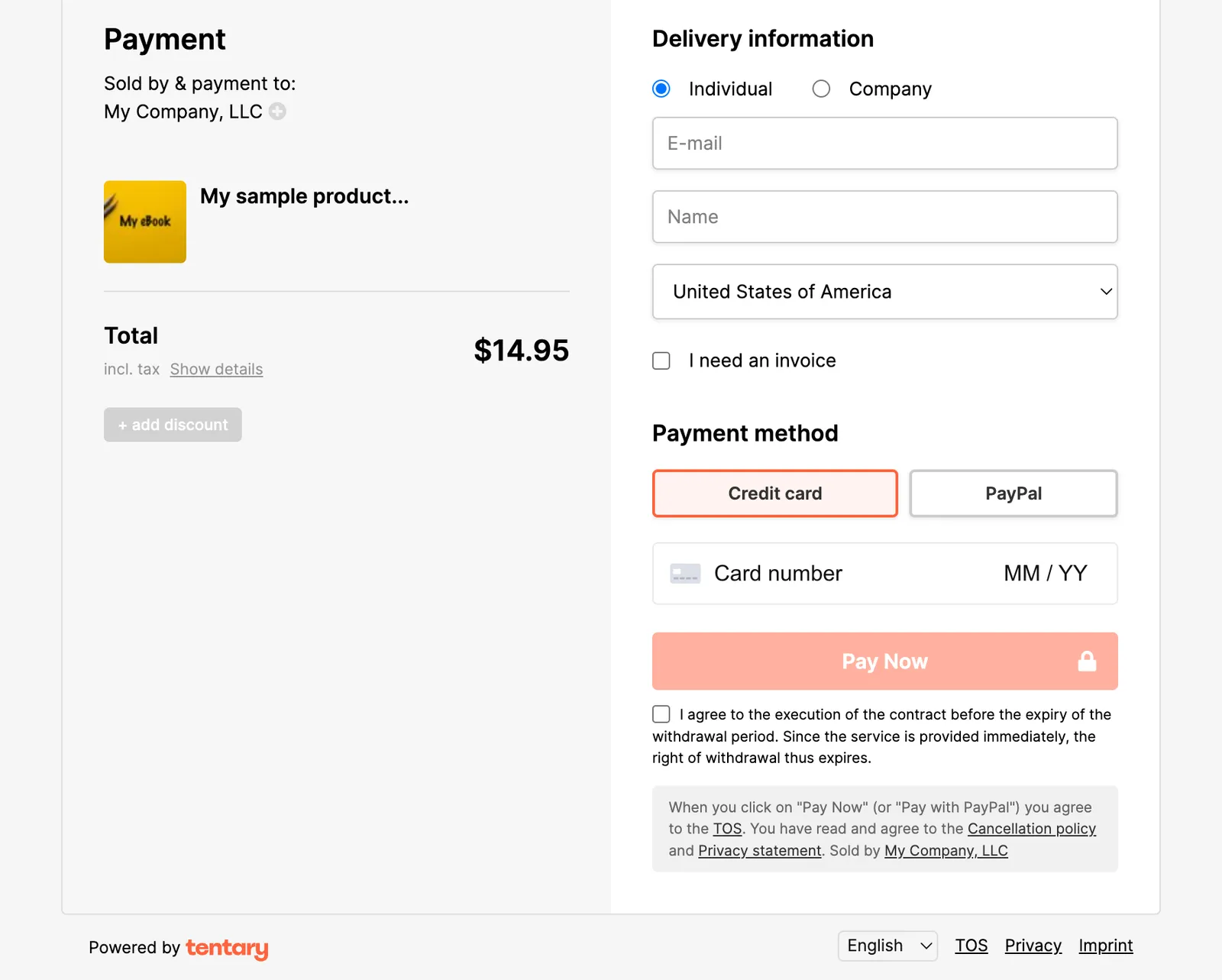
2. Checkout page
On the payment page, your customers will see the selected product and the corresponding price, including gross/net details, when they click on Show details. They can also redeem a voucher using the Add discount option. Unless an invoice is requested, only the buyer’s email address, name, and country are requested under Delivery information. Directly below, your customers can select their preferred payment method. This section is not applicable for free products. At the very bottom, they are informed of the cancellation period and your terms and conditions, which they must confirm. By clicking on Place order (or Pay with PayPal or Order for free), the order is placed.
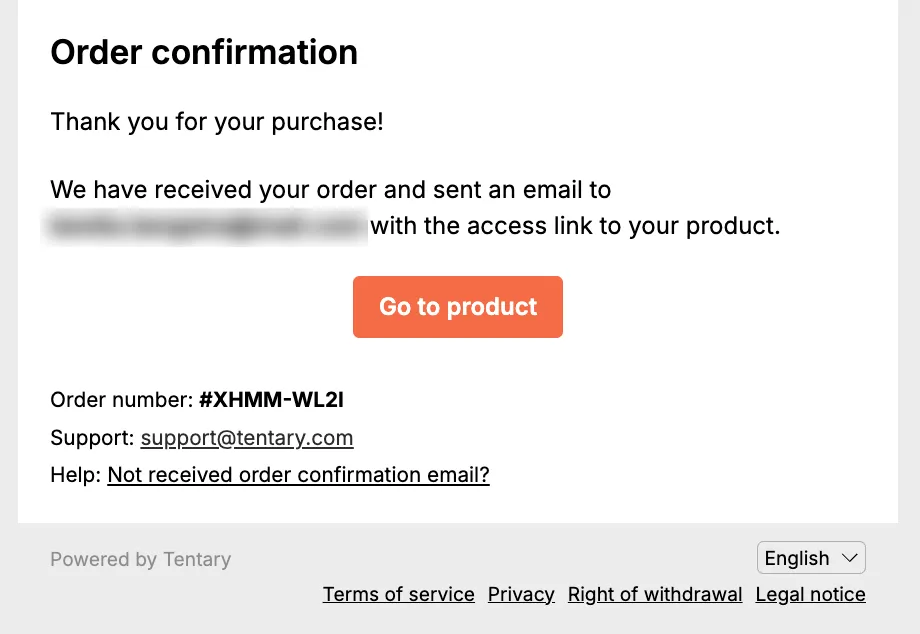
3. Thank you page
Once the payment has been successfully completed, your customers will see the thank you page.
If you have activated the Standard or Custom option under Post-purchase on the thank you page, your customers will then be shown a pre-designed or customized thank you page for their purchase. If you have selected the Redirect option, your customers will be redirected directly to the website you have specified. If you use the Upsell option, your customers will be offered an upsell in addition to a standardized thank you message. You can see what the thank you page looks like in this case in the article Create Upsell and Downsell Offers.
The standard thank you page thanks your customers for their purchase and includes a button to access the product, provided that the payment has already been processed or the opt-in for a lead magnet has been completed. It also includes the order number of the sale.
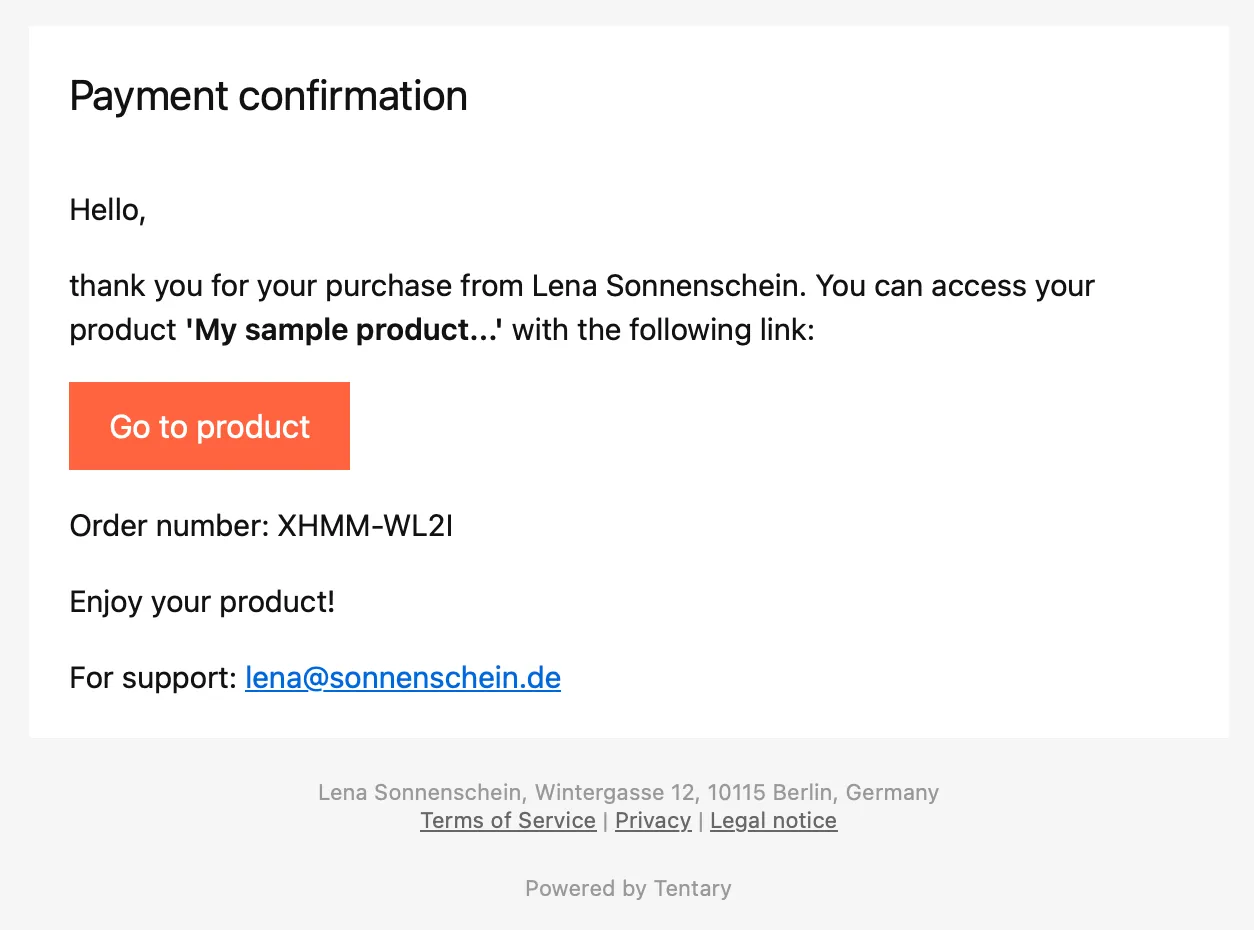
4. Order confirmation (email)
Your customers will also receive an order confirmation by email if you have selected the Standard or Custom option in the Post-Purchase section.
The order confirmation email also contains a link to access the product and a copy of the terms and conditions and cancellation policy as a PDF, if you have activated this option in your settings. If your customers requested an invoice during the purchase process, this will also be attached to the email.
5. Access to product/service
Depending on the product type used, your product or service will be displayed or made available to your customers in different ways:
How do customers receive the purchased products and services?
Last updated October 6, 2025