# Landing pages: builder or your own HTML?
> Tentary gives you two ways to make your own pages: the landing page builder without code, or an HTML page, for example from an AI tool. Here is how to pick.
Source: https://tentary.com/en/help/landing-pages-overview/
Last updated: 2026-11-06
---
Tentary gives you two ways to make your own pages: the landing page builder without code, or an HTML page with your own code, for example from an AI tool. Here you learn which one suits you.
## What is a landing page?
A landing page is a single web page with exactly one goal, for example a purchase, a newsletter signup or downloading a freebie. Visitors get there through an ad, a link or a button in an email. Because nothing distracts them, the page leads them straight to that one action.
With a landing page you can, for example:
- present a new product and offer it for sale
- promote a limited-time offer or a sale
- create a prelaunch page for an upcoming project
- promote a freebie
- introduce yourself and your offer on a profile page
## The two ways compared
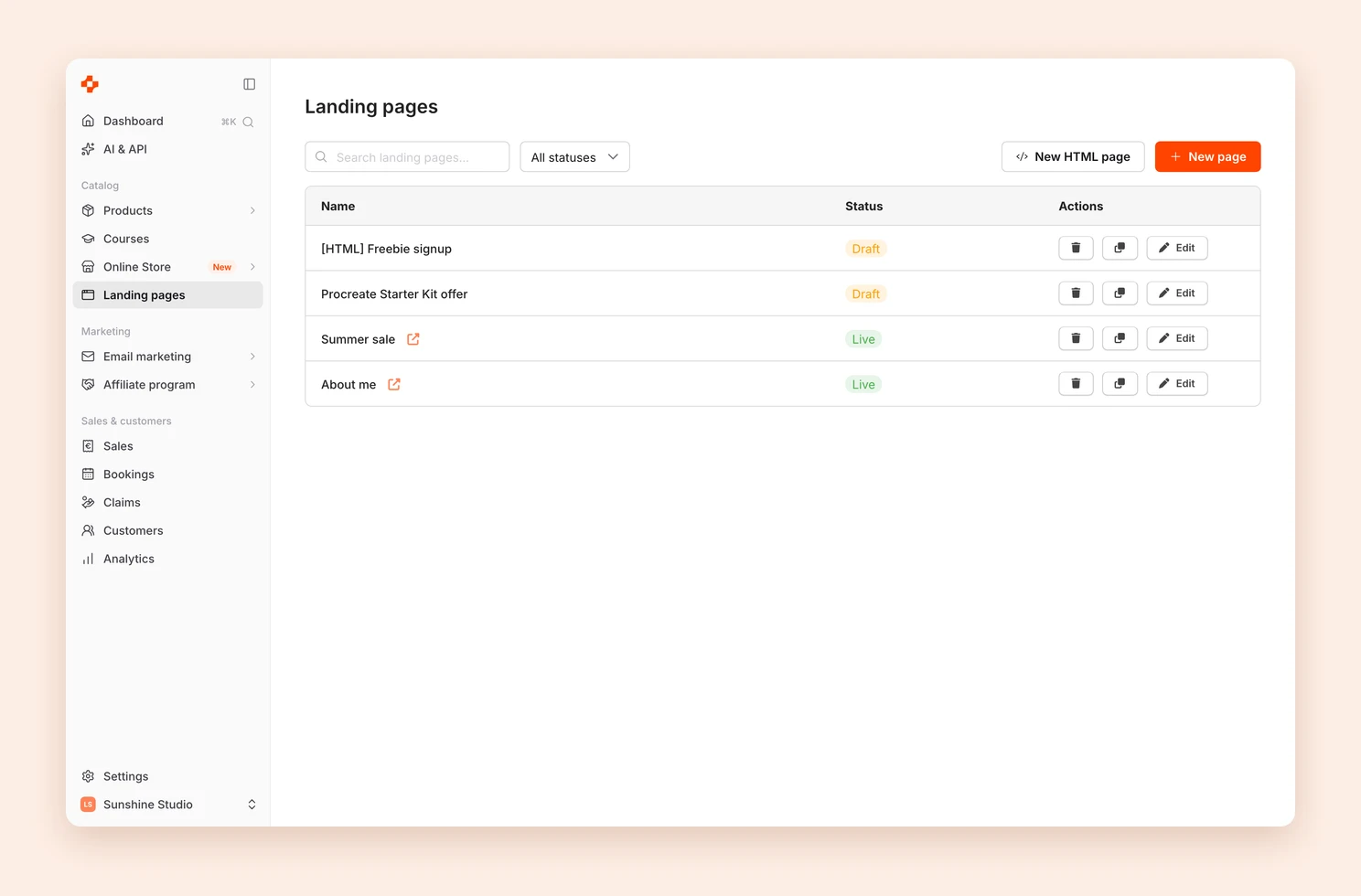
You start both from [**Landing pages**](https://app.tentary.com/landingpages) in the menu, with **+ New page** for the builder and **New HTML page** for your own code.
| | Landing page builder | HTML page |
| --- | --- | --- |
| **How you work** | With clicks and drag and drop | You paste finished HTML code |
| **Starting point** | Blank page or template | Your code, often from an AI tool |
| **Design** | With the builder's elements and design settings | Completely free |
| **Preview** | Live in the editor | Only on the published page |
| **Older versions** | You can restore them | Are not saved |
| **Changes by a connected AI app** | Not possible | Possible |
## Which one suits you?
**Use the builder** if you want to work on your page yourself with clicks and see changes right away. It is also the easier way if you have never worked with HTML.
Continue here:
- [Create a landing page with the builder](https://tentary.com/en/help/create-landing-page/)
- [Elements and design in the builder](https://tentary.com/en/help/landing-page-builder/)
- [Landing page settings](https://tentary.com/en/help/landing-page-settings/)
**Use an HTML page** if you let an AI tool write the page, already have a finished file or want full freedom over the design. You do not need to know how to code if the AI tool writes the code.
Continue here:
- [Create an HTML page](https://tentary.com/en/help/host-custom-html/)
- [Create a landing page with AI](https://tentary.com/en/help/create-landing-page-with-ai/)
- [Buy buttons, images and legal texts in your own HTML](https://tentary.com/en/help/buy-buttons-and-images-in-html/)
- [Add an email signup form](https://tentary.com/en/help/custom-html-signup-form/)
## What applies to both
- **Address:** Every page sits under your [shop address](https://tentary.com/en/help/shop-url/), for example **myshop.mytentary.com/summer-sale**.
- **Status:** A page is either **Draft** or **Live / Published**. Anyone who opens the URL of a draft lands on your shop.
- **Home page:** Under [**Online Store › General**](https://tentary.com/en/help/set-up-shop-page/#general), you can select a published page as your **Home page**. It then appears directly at your shop address.
- **Affiliates:** **Available for affiliates** makes a page available to your [affiliates](https://tentary.com/en/help/affiliate-marketing-for-merchants/).
- **Tracking and cookie banner:** Your shop's settings also apply to your landing pages.
## Frequently asked questions
### How many landing pages can I create?
As many as you like.
### What do landing pages cost?
Nothing. Both ways are included in all plans.
### Can I switch to the other way later?
A page cannot be converted. Create a new page and copy the content over by hand. You can use both ways side by side in your shop, though.
### A feature is missing. What can I do?
Write to our support. We are happy to hear your idea.